Sign Up to our newsletter for latest updates?
You need to create a form using Contact form 7 plugin to be able to display it using this element.
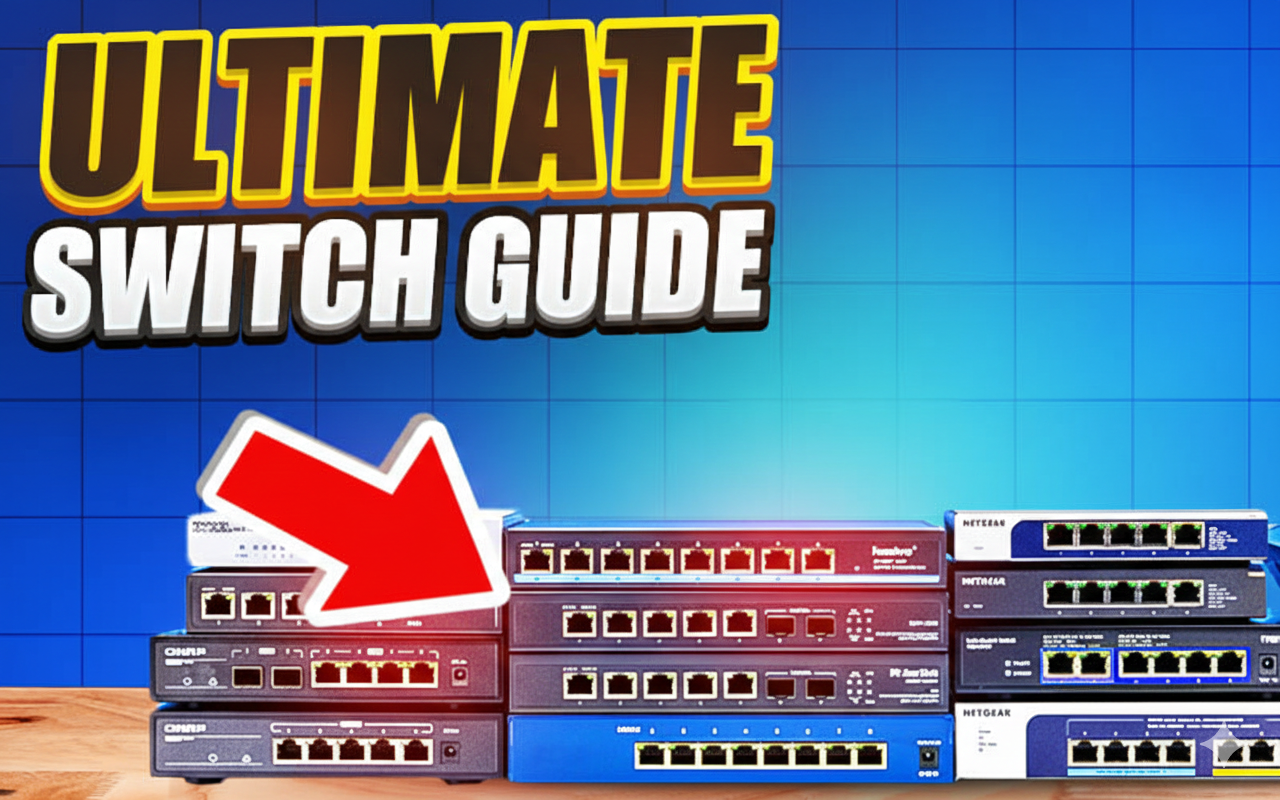
Best budget 2.5G network switches if you are upgrading from gigabit, is now the easiest way to boost your home lab, gaming rig, or small office network without replacing all your cabling. 2.5G switches deliver up to 2.5 Gbps per port over standard Cat5e/Cat6 cables, which means you get multi‑gig speeds using the same wiring you already have.
Modern Wi‑Fi 6/6E/7 routers, NAS devices, and motherboards increasingly ship with 2.5G ports, so staying on 1G creates a bottleneck for backups, large file transfers, and multiple high‑bandwidth users. Upgrading to a 2.5G network switch unlocks the full potential of modern networking hardware without the expense and complexity of 10G infrastructure.
A 2.5G network switch is an Ethernet switch that supports 2.5 Gigabit per second on each port, usually auto‑negotiating between 1G and 2.5G depending on the device connected. In most small networks, it acts as the central hub, connecting PCs, NAS, access points, and other LAN devices at higher speeds than a traditional 1G switch.
Compared to 10G switches, 2.5G gear is cheaper, runs cooler, and rarely requires special cabling, making it a practical upgrade step for home and small business users. The best budget 2.5G switches in this guide range from simple unmanaged plug‑and‑play models to fully managed Layer 3 devices with advanced features like VLANs and link aggregation.
This guide is based on a detailed video walkthrough comparing four main 2.5G switch families: UniFi Flex 2.5G, Grandstream GWN7700M, D‑Link DMS‑108, and MikroTik CRS310.
These switches cover everything from plug‑and‑play budget 2.5G to advanced managed multi‑gig with 10G uplinks.
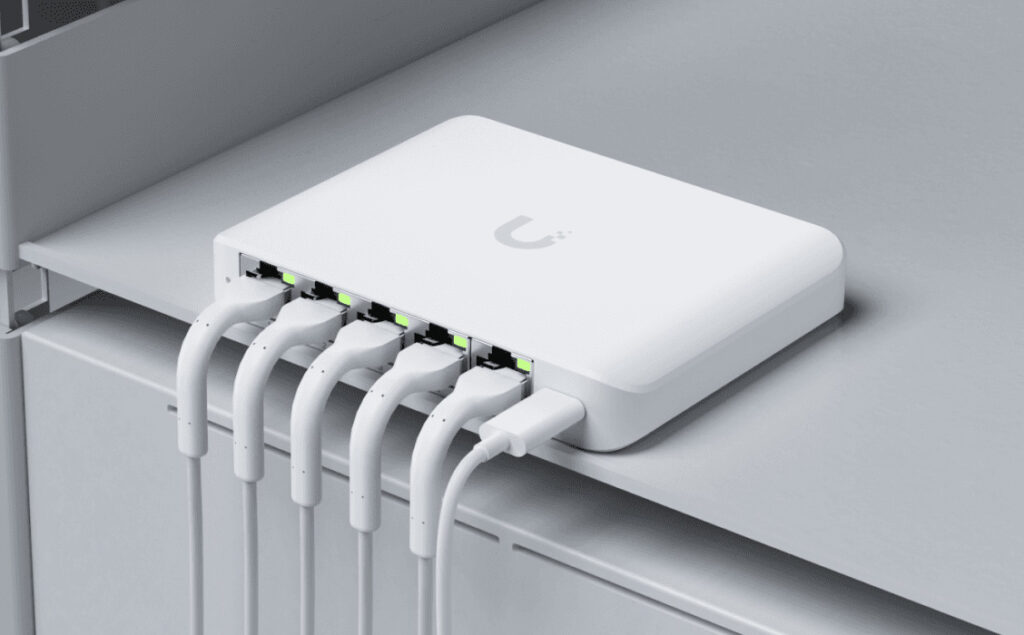
The MikroTik CRS310‑8G+2S+IN is the best overall 2.5G network switch in this list if you want multi‑gig plus serious management features.
Best For: Home labs, small offices, and network enthusiasts who need managed features and dual 10G uplinks on a budget.
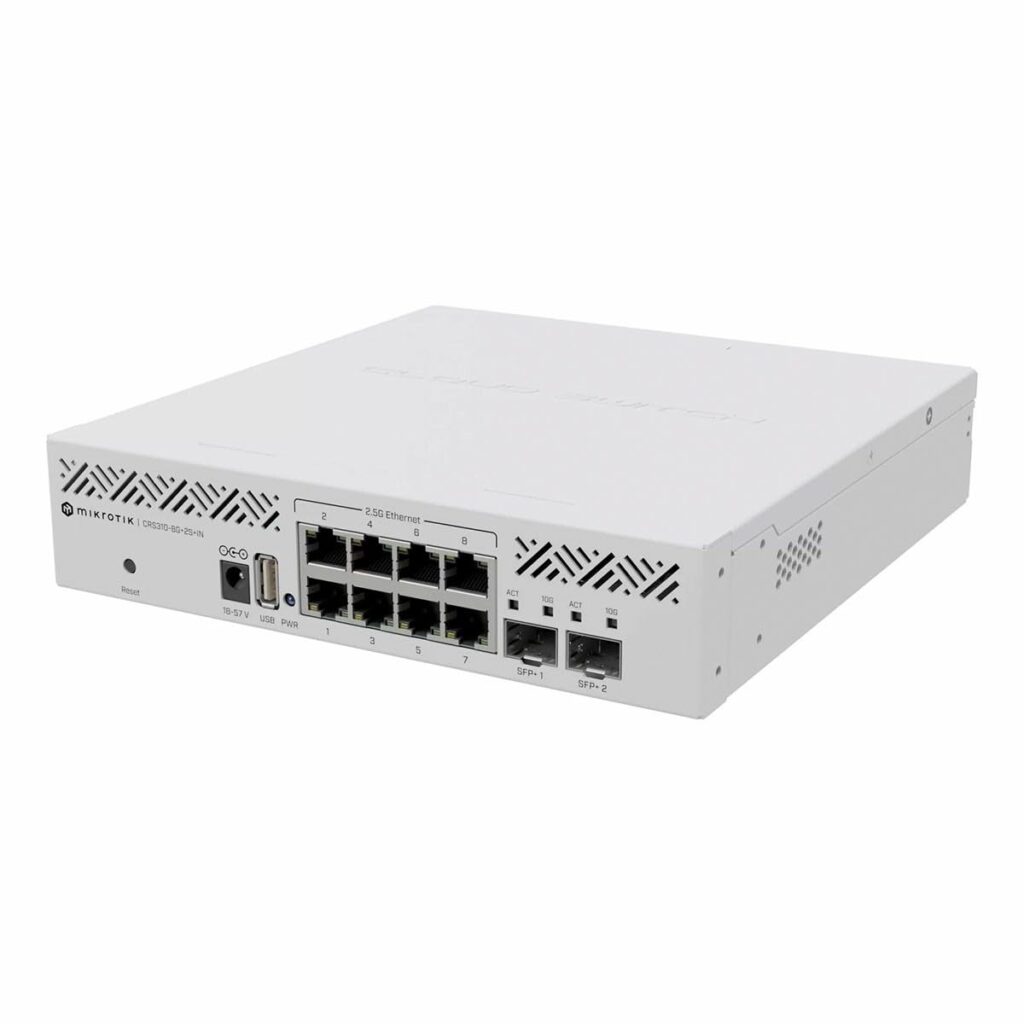
For UniFi users, the USW‑Flex‑2.5G‑8‑PoE is the best budget 2.5G PoE switch to power APs and cameras while providing multi‑gig links.
Best For: UniFi users deploying Wi‑Fi 6/6E APs and cameras who want 2.5G plus PoE in a small, tidy form factor.
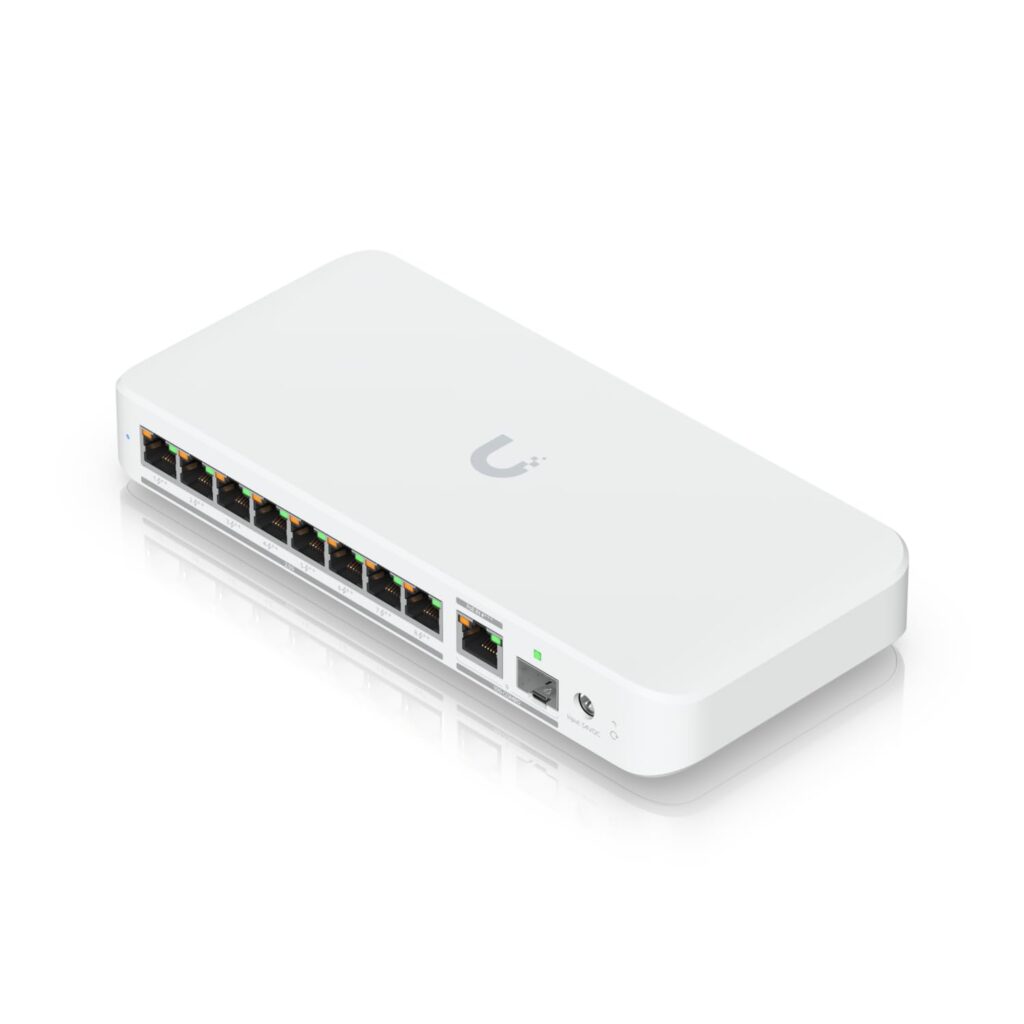
The UniFi USW‑Flex‑2.5G‑5 is a compact, USB‑C powered 2.5G switch, ideal for portable setups and small desks.
Best For: Travelling professionals, demo setups, and small desktop clusters where size and simplicity matter more than PoE or deep management.
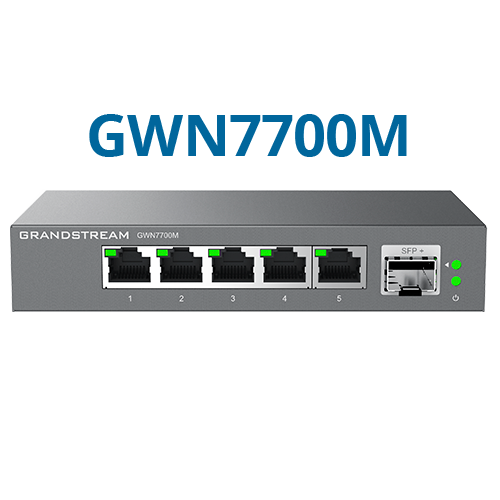
The Grandstream GWN7700M 5‑port PoE model is a rugged metal 2.5G switch that focuses on reliability and simple deployment.
Best For: Small offices and installers deploying Grandstream APs who want a rugged 2.5G PoE edge switch at a reasonable price.
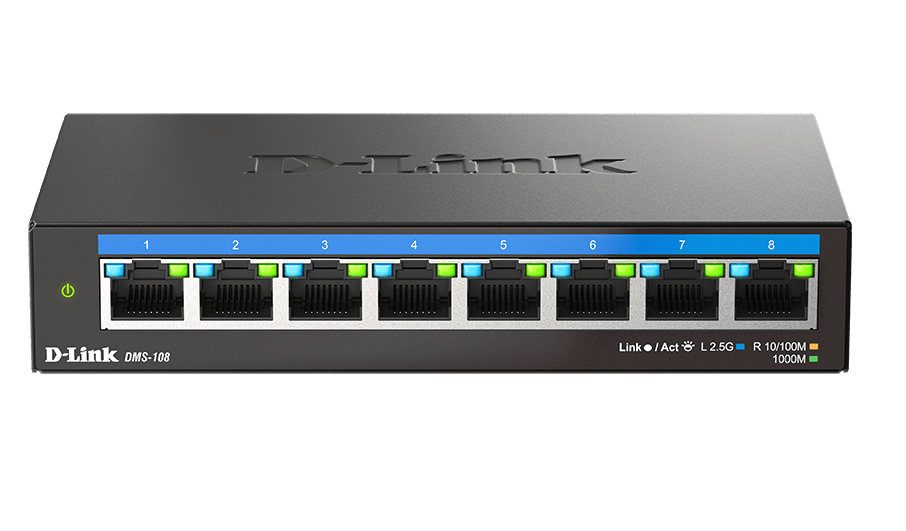
The D‑Link DMS‑108 is the simplest best‑budget 2.5G switch here, aimed at users who just want multi‑gig with no extra features.
Best For: Simple 2.5G backbones (rack‑to‑rack, server‑to‑server) and users who don’t need PoE or VLANs but want higher speed than Gigabit.
For most home labs, the MikroTik CRS310‑8G+2S+IN offers the best balance of 2.5G ports, 10G uplinks, and advanced features at a reasonable price. If you prefer the UniFi ecosystem, the USW‑Flex‑2.5G‑8‑PoE is an excellent alternative.
The UniFi USW‑Flex‑2.5G‑8‑PoE is the top choice if you want 2.5G + PoE and tight integration with the UniFi controller. It simplifies wiring and power distribution for modern UniFi APs.
Yes, if you use NAS, Wi‑Fi 6/6E, or do large file transfers, a 2.5G switch can significantly reduce transfer times without requiring new cabling. The performance boost is especially noticeable for:
Unmanaged switches (D‑Link DMS‑108, UniFi USW‑Flex‑2.5G‑5) plug in and work immediately with no configuration. They are ideal for simple, small deployments.
Managed switches (MikroTik CRS310, UniFi USW‑Flex‑2.5G‑8‑PoE) allow VLAN configuration, link aggregation, ACLs, and monitoring via a web or controller interface. Choose managed if you plan to segregate traffic or scale your network.
| Model | 2.5G Ports | 10G Ports | PoE | Managed | Best For | Buy Link |
|---|---|---|---|---|---|---|
| MikroTik CRS310 | 8 | 2 SFP+ | No | Yes | Labs, Advanced | Buy on FGTECH |
| UniFi Flex 8‑PoE | 8 | 1 Combo | Yes | Yes | UniFi Users | Buy on FGTECH |
| UniFi Flex 5 | 5 | 0 | No | No (unmanaged) | Portable, Compact | Buy on FGTECH |
| Grandstream GWN7700M | 5 | 1 SFP+ | Yes | No | Offices, Simple | Buy on FGTECH |
| D‑Link DMS‑108 | 8 | 0 | No | No | Budget, Simple | Buy on FGTECH |
Pick MikroTik CRS310‑8G+2S+IN if you need the most features and room to grow into 10G.
Pick UniFi USW‑Flex‑2.5G‑8‑PoE if you run a UniFi network and want 2.5G + PoE in one device.
Pick UniFi USW‑Flex‑2.5G‑5 if you want a tiny, portable, fanless 2.5G switch.
Pick Grandstream GWN7700M 5‑port PoE if you prefer a rugged metal PoE switch with 10G SFP+.
Pick D‑Link DMS‑108 if you want the cheapest, simplest, fanless 2.5G upgrade with zero configuration.
All five are solid budget picks that deliver real multi‑gig performance without the cost and complexity of 10G. Choose based on your ecosystem (UniFi, Grandstream, or brand‑agnostic), your need for PoE, and whether you want management features.

 HD Cameras and Webcam
 Projectors and Speakers
 VOIP Phones and Gateway
 Access Control
 LTE and 5G Devices
 Smart Sensors And Automation
 Fiber and SFP Modules
 Firewall & Cloud Controllers
 Network Adapters and Accessories
 Network Switches
 PoE Switches
 Point To Point Wireless Radio
 Routers
 Wireless Access Points
 IP Cameras
 Memory Cards
 NVR
NVR Smart WiFi Cameras
 Storage Devices
 Desktop & Laptop RAMs
 Internal and External Hard Drives
 NAS Storage & Enclosures
 SSD and NVMe Drives
 USB Flash Drives